Troubleshooting Common eSIM Activation Issues
eSIM activation issues most often occur due to device or network limitations. Not all smartphones support eSIM, and some devices may be locked to a specific carrier, preventing the installation of a new eSIM profile. Activation can also fail if the operating system is outdated or if mobile data and eSIM settings are disabled at the time of installation.
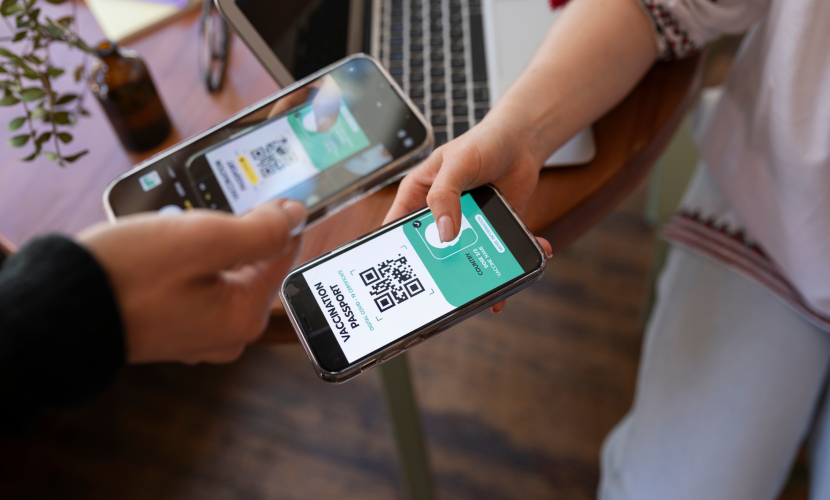
Another common cause is connectivity or installation errors. A stable internet connection is required when scanning the QR code and downloading the eSIM profile. Activation may also fail if the QR code has already been used, expired, or was scanned incorrectly. In some cases, regional carrier restrictions or local regulations can block activation even on compatible devices.
To resolve most issues, users should restart their device, update the operating system, confirm eSIM compatibility, and ensure a reliable Wi-Fi connection. If the problem persists, checking device settings and contacting the eSIM provider’s support team with the device model and error details usually allows the issue to be identified and resolved quickly.

Which Devices Support eSIM in 2026
25 Dec 2025
How eSIM Is Changing the Way We Stay Connected
06 Jul 2025

How to Use eSIM When Traveling Abroad
07 Apr 2025